INCIDENT RESPONSEGet into the server, inspect the damage, and recover context fast.
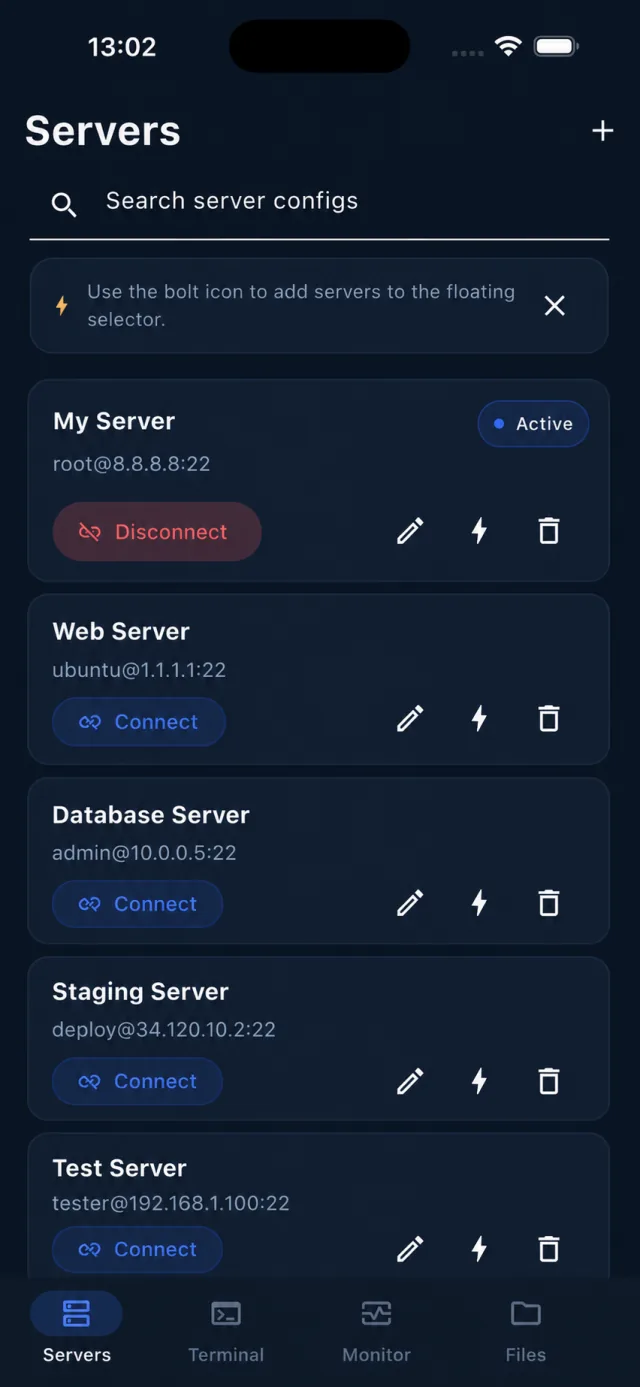
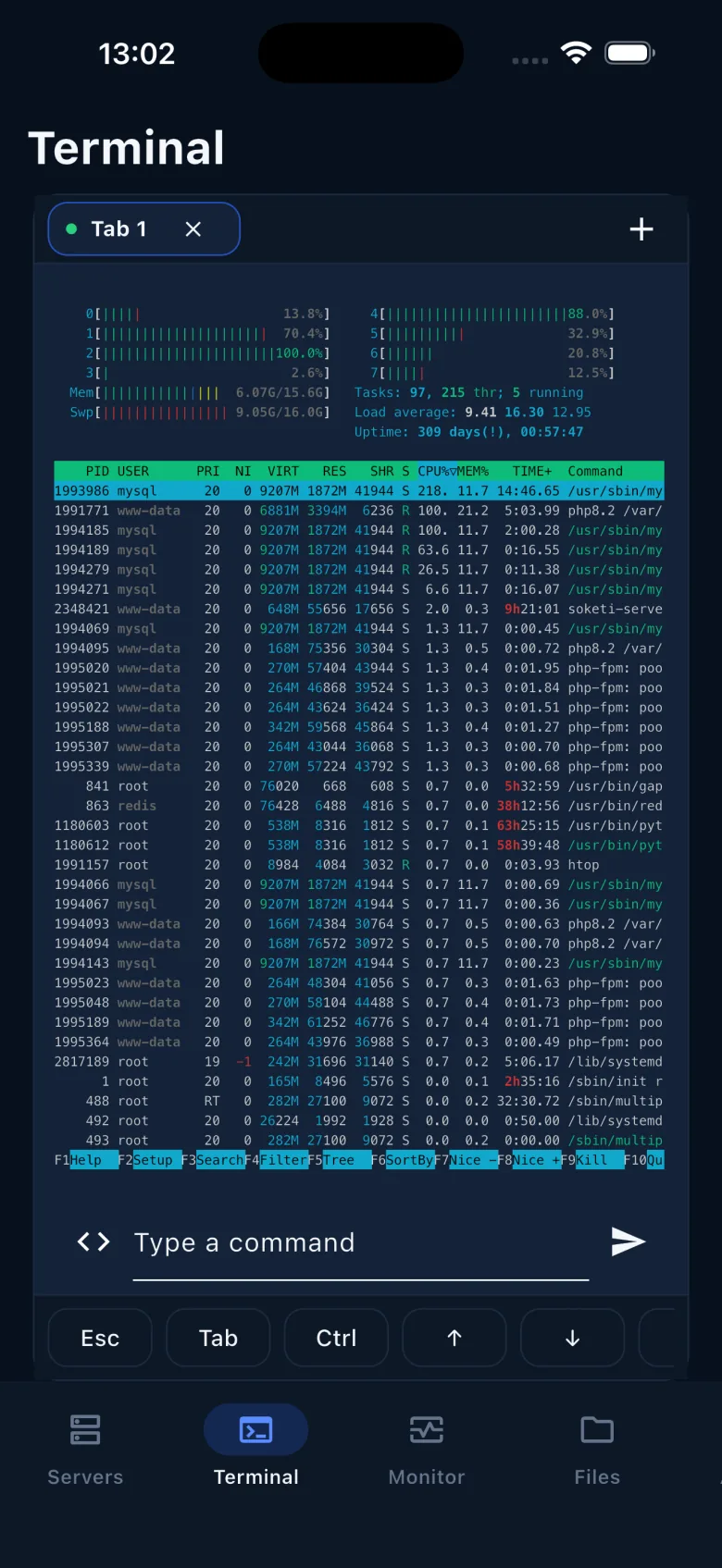
Jump from a saved host into Terminal, check service state, inspect load, tail logs, and keep the session alive while moving between apps.
SSH + monitor + tmux
 TermiShell
Connect to production, tail logs, edit remote files, watch live server health, and run saved maintenance tasks without opening a laptop.
TermiShell is not a toy terminal. It is shaped around the common server jobs developers and operators actually need to finish from a phone.
Jump from a saved host into Terminal, check service state, inspect load, tail logs, and keep the session alive while moving between apps.
Use SFTP to browse directories, edit UTF-8 text with line numbers, upload assets, rename, chmod, or create folders inside the same mobile workspace.
Save snippets and automation tasks for backups, cache clears, deploy checks, service restarts, and other commands you do not want to retype under pressure.
Terminal access, files, monitoring, credentials, snippets, and automation stay close together so production support stays fast and predictable.
Keep SSH passwords, private keys, passphrases, known hosts, and encrypted migration backups protected on device.
Open multiple terminal tabs, keep different servers connected, and attach tabs to tmux when remote shells need to survive.
Browse, upload, rename, edit text files, create folders, chmod, and delete without switching tools.
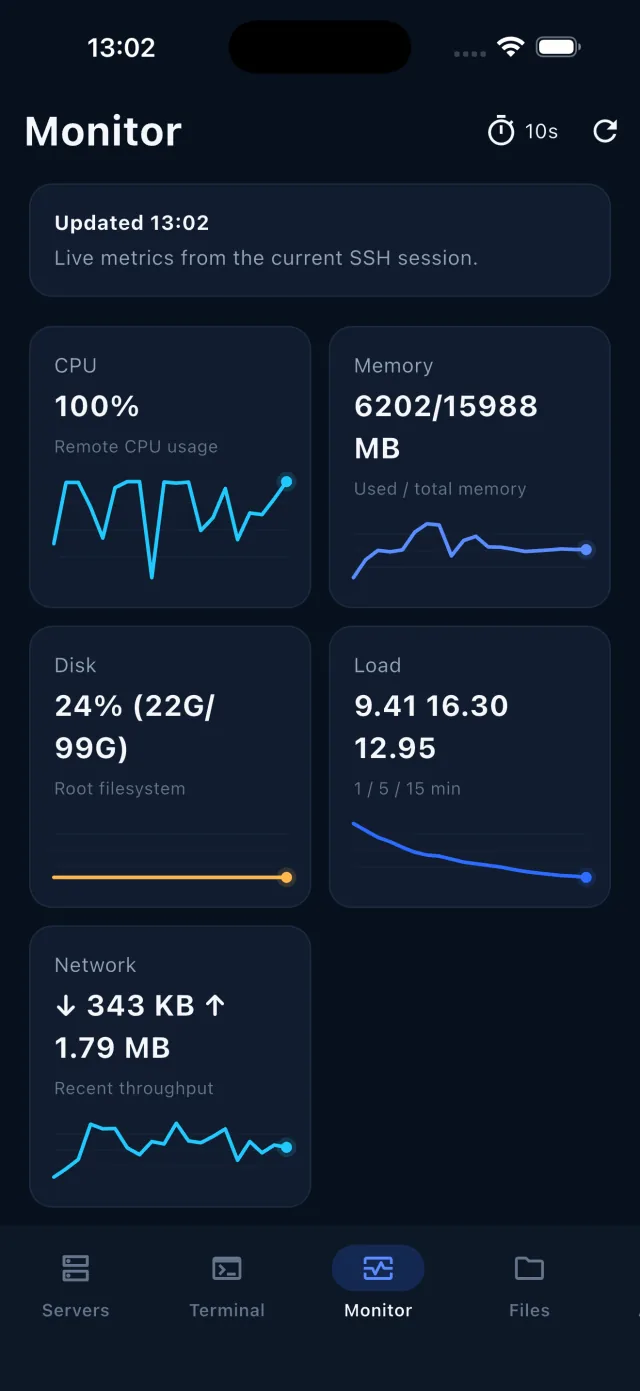
Refresh CPU, memory, filesystems, process lists, load, and network signals over your SSH connection.
Save command snippets and remote tasks for checks, deploy steps, repairs, and routine maintenance.
Move server profiles, snippets, keys, and tasks to a new device with an encrypted export.
Designed for the moments where you need to connect, inspect, patch, and verify from a phone without losing track of context.
Pick a saved server, verify host trust, and enter the shell with the right identity.
Check logs, metrics, disk, process health, and current service state before changing anything.
Edit files through SFTP, run saved commands, and keep recurring fixes close at hand.
Refresh metrics, tail logs, and confirm the server returned to the expected state.
Free covers a small personal setup. Pro is for people who need more servers, more sessions, full file operations, automatic monitoring, tmux continuity, automation, and encrypted export.
Leave an email and role. We will send product updates as TermiShell moves toward release.